
From separate systems to a single automated business process
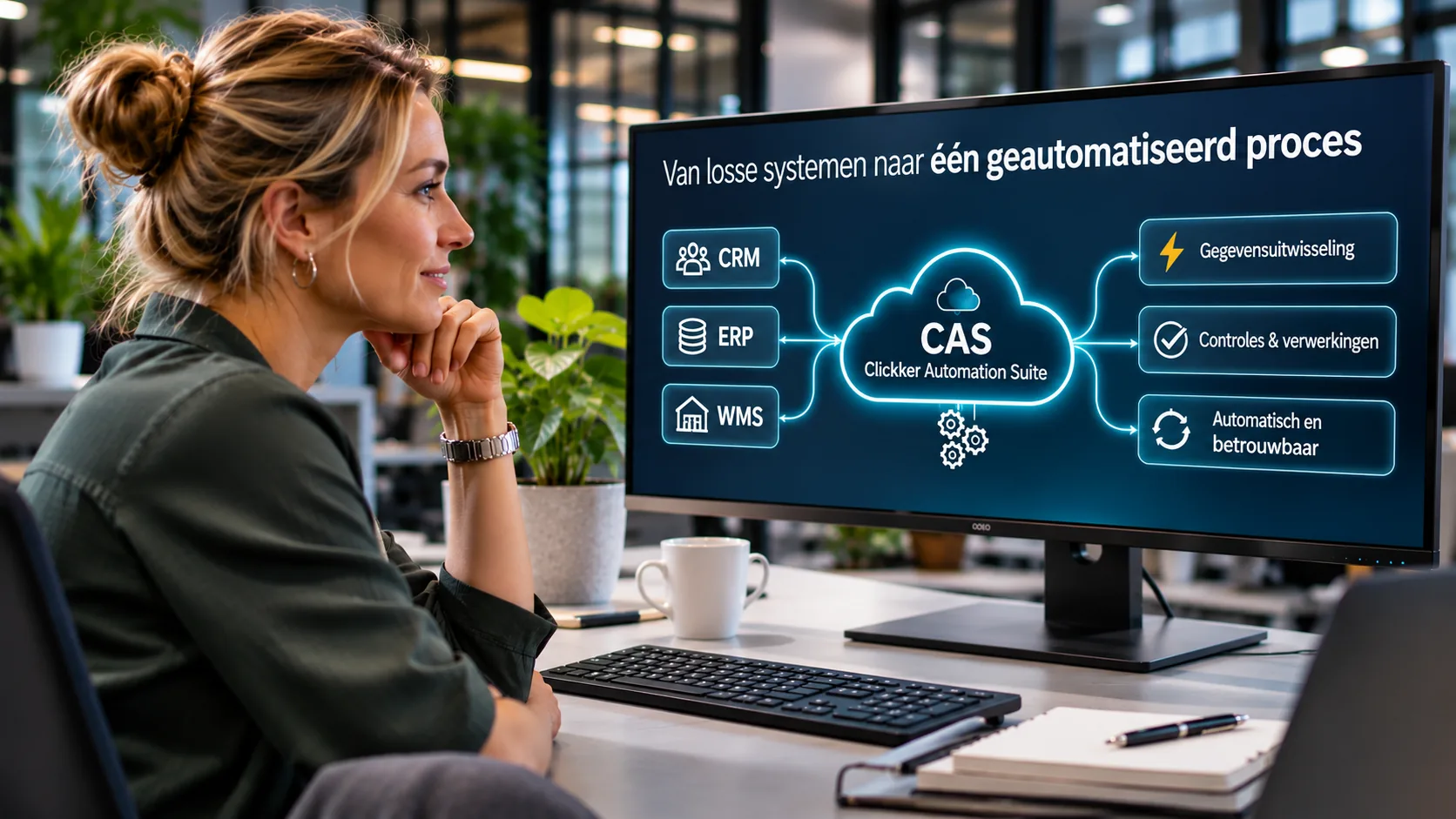
Enable your ERP, CRM and WMS systems to work together more effectively. Discover how CAS automates data exchange and reduces manual tasks.
3 mins’ read time
In this article
Your ERP system contains your financial and administrative data. Your CRM system is used to manage customer relationships and sales opportunities. And your warehouse management system handles the logistics. But how do you ensure that information is automatically routed to the right place between these systems?
Many organisations have good software applications, but the integration between those applications is not always optimised.
This results in manual work, duplicate data and unnecessary delays.
Good software does not automatically mean a good process
Suppose a new customer is registered in the CRM system.
That customer must then also be available in the ERP system.
If the two applications do not communicate with each other, someone will have to re-enter the customer details.
The same applies to product data, orders and other information exchanged between systems.
Every manual transfer takes time and increases the risk of errors.
More than just exchanging data
An interface is often regarded as a connection through which data is sent from application A to application B.
But in practice, the process is usually more complicated.
Data sometimes needs to be checked, supplemented or amended first.
Perhaps a distinction should be made between existing and new customers.
Or should certain data only be processed once another activity has been successfully completed?
This requires more than just a technical connection.
Automating business processes with CAS
With Clickker Automation Suite (CAS) from Sense Cloud, you can combine various activities within a single automated workflow.
Consider retrieving customer data from a CRM system, checking the data and then creating or updating the relevant contact in an ERP system.
CAS can communicate with various applications and available APIs.
The workflow determines which steps are carried out and how the process proceeds.
An example: from a warehouse management system to an ERP system
Suppose a warehouse system transmits information about a logistics operation.
CAS can provide its own HTTP endpoint for this purpose, to which an external system can submit messages.
The messages received can then be placed in a queue.
A separate workflow reads the queue and processes the information for the ERP system.
This separates the receipt and processing of messages.
This offers opportunities to organise more comprehensive integration processes in a clear and structured way.
Support for various data formats
Applications do not always use the same data format.
One system uses JSON, whilst the other uses XML or CSV.
CAS can handle various data formats, meaning that not every data set needs to be converted into a single fixed internal format before processing.
Where data differ in terms of content, additional mapping or transformation logic may be required.
What happens if a transaction fails?
In system integrations, error handling is at least as important as the data exchange itself.
CAS provides insight into the implementation of individual activities.
In addition, error messages can be forwarded to Watcher or, via a suitable API, to an existing monitoring system.
This provides greater insight into the data flows between your applications.
Making better use of your existing software
Automating business processes does not mean you have to replace your existing applications.
It is often actually more interesting to ensure that the systems you have already invested in work together more effectively.
With CAS, data flows, checks and processing operations can be integrated into automated workflows.
Would you like to know how your ERP, CRM, WMS or other business applications can work together more effectively?
Sense Cloud would be happy to help you map out your current data flows and explore the possibilities for integration and automation.
