For Exact users

Get more out of Exact. Connect your entire organisation.

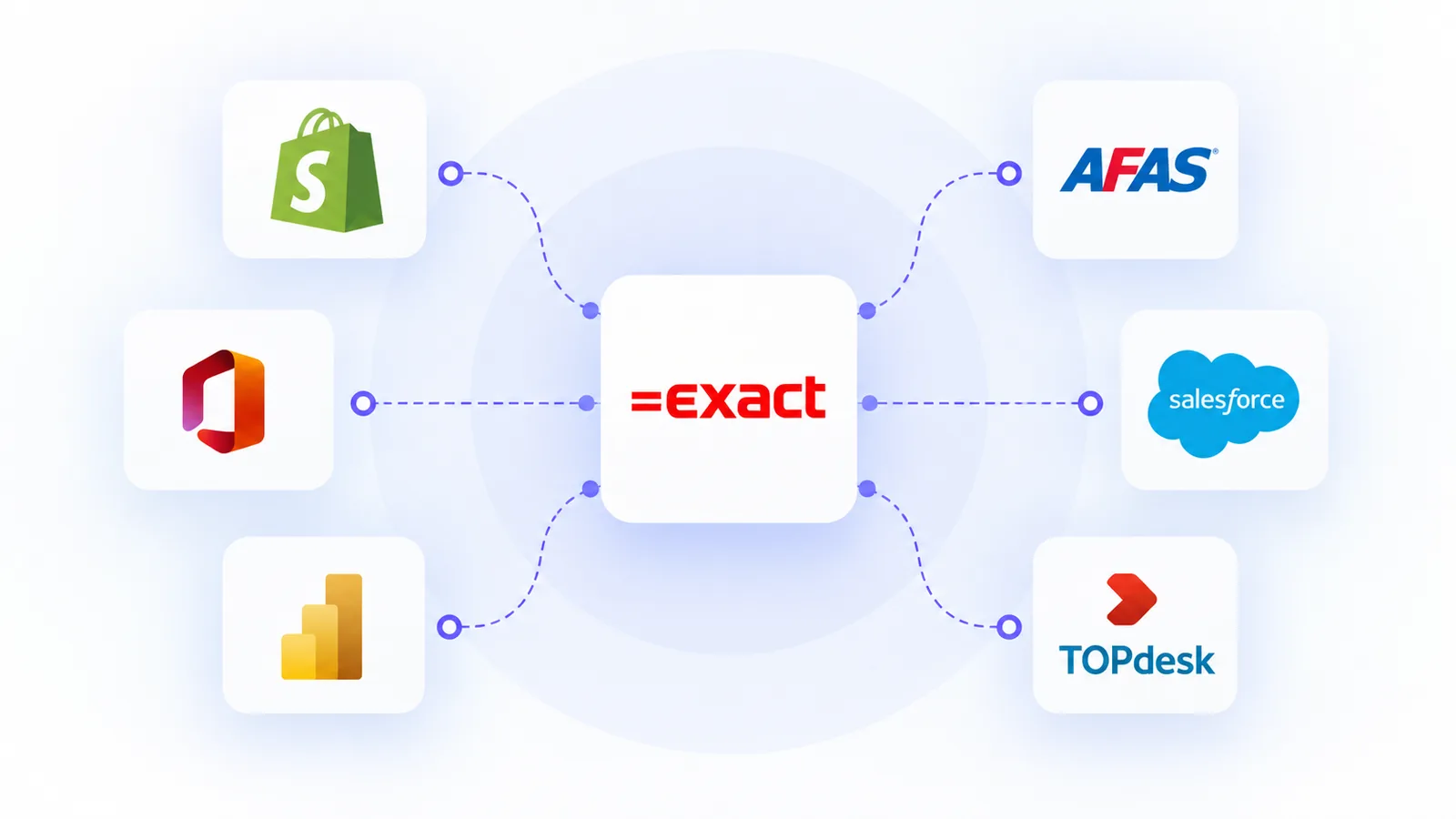
Automate data exchange, avoid duplicate entries and integrate Exact with your other business applications. This will help you get more value out of your Exact environment and enable your organisation to operate more efficiently.
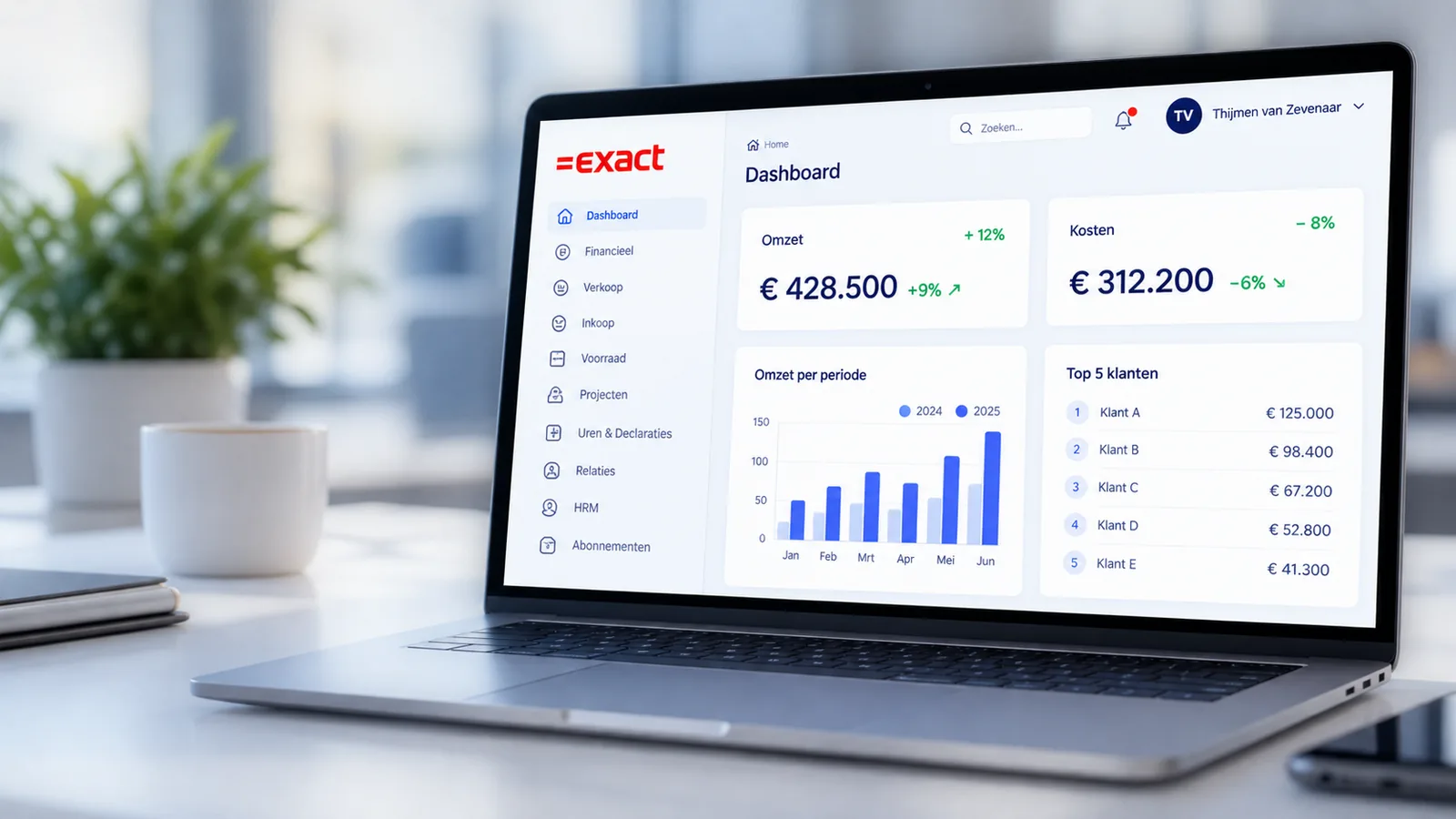
  • Less manual processing
  • Seamless and reliable integration

A growing library of building blocks

+70 leading apps, ready to connect.

Clickker Automation Suite (CAS) offers an extensive library of pre-built code blocks for more than 70 leading applications, including CRM, ERP and e-commerce systems, databases and web services. We standardise every new API integration and add it to CAS free of charge. This means you benefit from an ever-increasing range of ready-to-use functionality, save on development time and avoid duplicate investments. The Clickker and the various Exact platforms are also available, but CAS operates completely independently of Exact.


Does this sound familiar?

Manual processes take time and lead to errors.

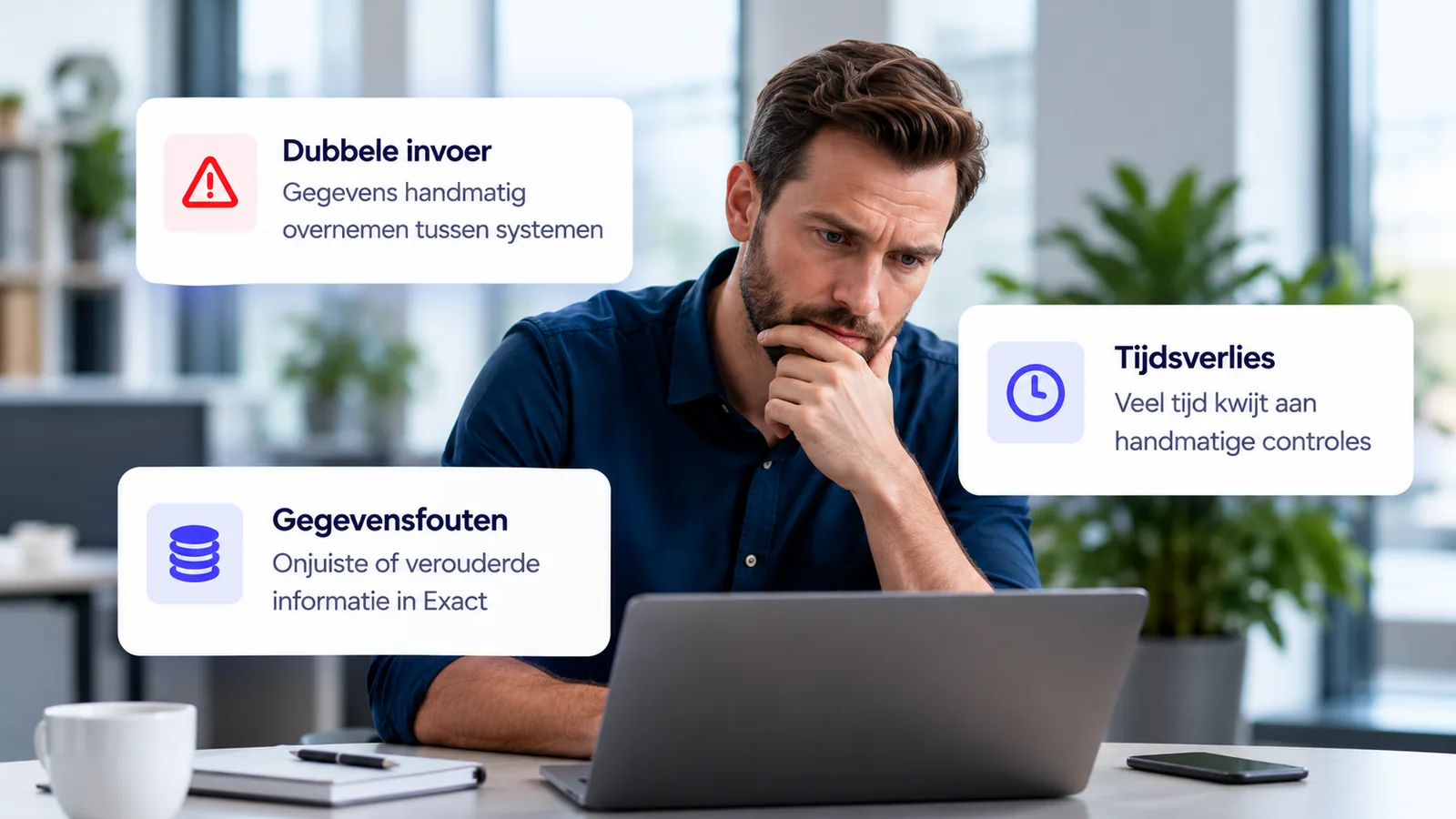
Many organisations use various business applications alongside Exact. Data is transferred manually, which wastes time and can lead to errors.

Furthermore, it is difficult to maintain a clear overview when data is not exchanged automatically between systems.

The solution

Seamless integrations with your Exact-environment.

Sense Cloud helps you integrate Exact with your other business applications. From standard integrations to bespoke solutions: we ensure reliable and efficient data exchange.
This allows you to focus on your core processes, whilst we ensure that your systems work together seamlessly.

Our solutions

A suitable solution for every integration enquiry.

Clickker | The dedicated Exact API

Connect Exact easily to your applications via the Clickker API.

  • Access to Exact via a single API
  • Additional endpoints
  • Faster implementation

CAS | Clickker Automation Suite

Build visual links using low-code and drag-and-drop.

  • Simple interface

  • Standardised building blocks

  • Building without coding

Watcher | Monitoring & logging

Keep track of your links and integrations.

  • 24/7 monitoring

  • Immediate error messages

  • Technical and functional inspection

Practical examples

Typical integrations with Exact.

From CRM and e-commerce to logistics and reporting. Sense Cloud connects Exact to the systems your organisation uses on a daily basis.

Online shop links

Automate your order and stock data between your online shop and Exact.

CRM integration

Synchronise customer data and sales opportunities with your Exact environment.

Project administration

Link project hours, timesheets and other costs automatically with Exact.

Reporting and BI

Combine Exact data with other sources to gain real-time insights and generate reports.

How it works

From the first meeting to successful integration.

Reliable integration starts with an understanding of your Exact environment, applications and processes.
That is why we work in stages: from an initial assessment and technical analysis through to a concrete integration proposal and the final implementation.


#1

Getting to know each other & assessing needs

During an initial consultation, we will carry out a general assessment of your Exact environment, the relevant applications, your requirements and your integration needs. Based on this, we will determine the scope and the indicative costs of the in-depth analysis.

#2

In-depth analysis, including a report

We will examine the configuration of your Exact environment, the applications involved, data flows and existing automation solutions, such as BPA, RPA and Orbis. This paid analysis is quoted in advance based on the expected number of hours.

#3

Integration proposal & quotation

We set out the findings in an integration document detailing the technical and functional requirements, the necessary data exchange and the proposed solution. Based on this, you will receive a tailored quotation for the implementation of the Clickker integration.

#4

Configure, implement & integrate

Once you have given your approval, we will set up Clickker, configure the necessary data exchange and assist you in connecting your application to the Clickker API. In this way, we will achieve a reliable integration that fits in with your processes.

Ready to get more out of Exact?

Discuss your options.

Find out how Sense Cloud can help you integrate Exact with your other applications. We’d be happy to work with you to find a solution.