
Is there a fault with your clutch? Find out before anyone calls
Find out how to automatically detect errors in software integrations. With CAS and Watcher, you can keep your data flows under control and avoid any unwanted surprises.
2 mins’ read time
In this article
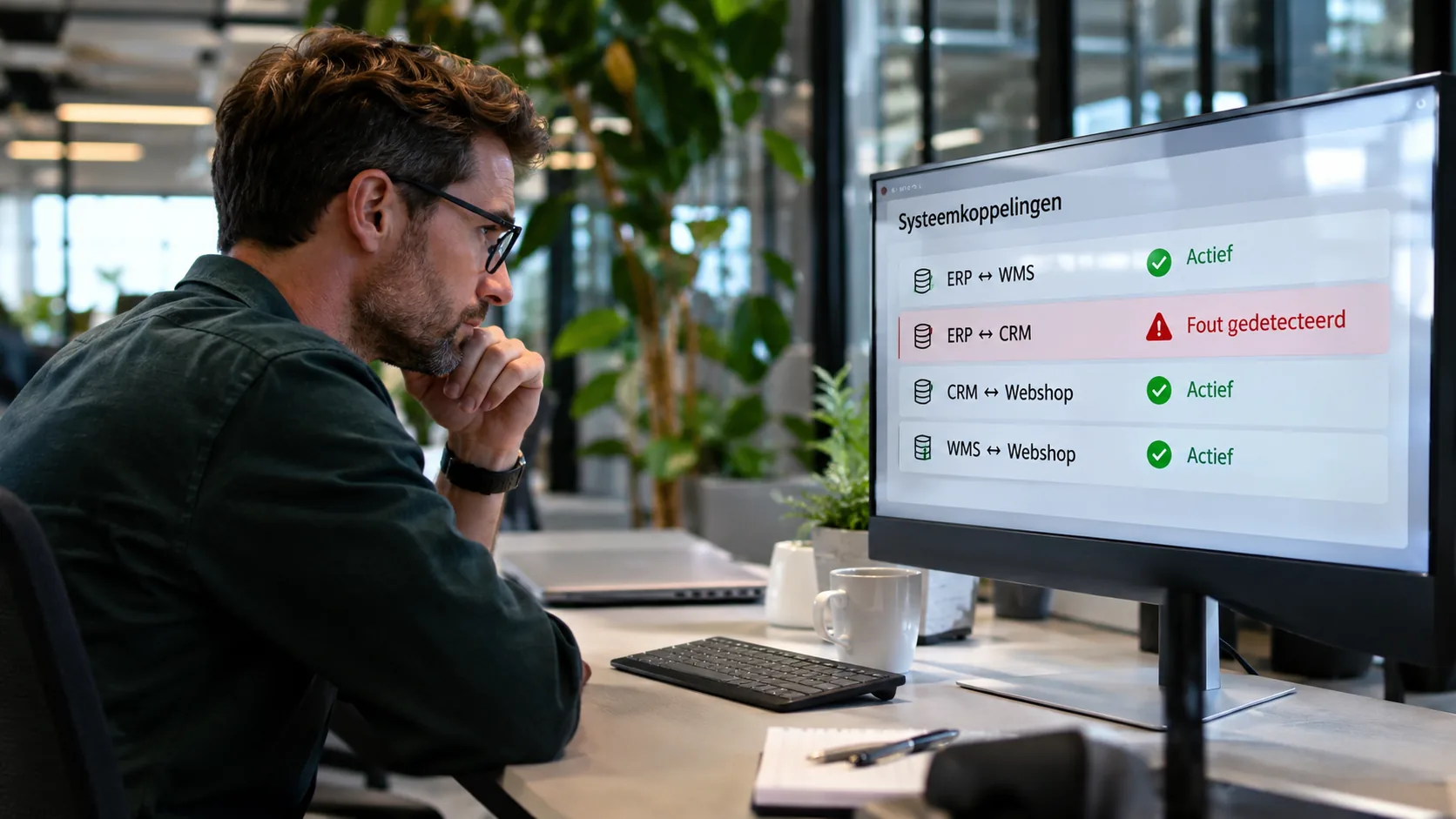
You have automated your business processes. Orders are processed, product data is updated, and various applications exchange information automatically. But what happens when a connection unexpectedly stops working?
In many organisations, a problem is only discovered when an employee realises that data is missing. Or worse still: when a customer rings because an order has not been processed.
Automation is actually intended to reduce manual work and increase reliability. That is why it is important not only to automate processes, but also to maintain an overview of how they are carried out.
Even automated processes can make mistakes
An interface between two applications can function without any problems for a long time. However, situations may arise in which the exchange of data is disrupted.
For example, an external system may be temporarily unavailable. A required data field may be missing, or an application may return an unexpected error message.
If nobody identifies these problems, data may remain incomplete or processes may grind to a halt.
So the problem isn’t just that something might go wrong, but mainly that you don’t know when it will happen.
Insight into every step of your automation process
With Clickker Automation Suite (CAS) With Sense Cloud, business processes can be set up as visual workflows.
Every workflow consists of individual activities. These include retrieving data, carrying out checks, processing information and forwarding results.
During execution, CAS records what happens for each activity.
This allows you to view the following afterwards:
- Which activities have been successfully carried out.
- At which step did an error occur?
- What input data was used?
- What outcome an activity has produced.
- How long the implementation took.
Instead of sifting through extensive technical log files, you can investigate specifically where the process has stalled.
Receive automatic alerts with Watcher
Nobody wants to be constantly checking whether all the links are still working properly.
That is why CAS can collaborate with Watcher, the monitoring solution from Sense Cloud.
When a workflow detects an error and a notification has been set up for this, Watcher can automatically send an email to the relevant member of staff.
The relevant error message can be viewed via a link in the email.
This enables the right person to take action more quickly, without first having to discover for themselves that something has gone wrong.
Continue to use your existing monitoring system
Does your organisation already have its own system for collecting error messages and technical events?
Even in that case, CAS offers possibilities.
Error information can be forwarded to an external API via HTTP requests. This allows CAS to be integrated with existing monitoring and management processes, depending on the available interface.
So you don’t necessarily have to replace all the existing facilities.
Automation is good. Keeping control is better.
A reliable integration is not just about exchanging data.
You also want to know whether that data is being processed correctly, where discrepancies arise and who needs to take action.
By combining automation and monitoring, you gain greater control over your business processes.
Would you like to know how your couplings can be monitored more effectively?
Sense Cloud helps organisations to develop, manage and monitor system integrations. We’d be happy to explore the possibilities within your software environment.
